
Skip to content

▸ Free with a castv.ai account · demo below, no sign-up

Video wall preview

Set up your wall, then drop in a video or pick a sample and watch it play across the screens with real bezels, spread as one picture or duplicated on every screen.

A continuous coastal film playing across a nine-panel video wall.

See how it works · 5 steps

Describe your wall

Four 55″ screens, two by two. The preview draws each screen and its frame to scale.

01
Screen & layoutChoose the panel, grid and mounting details.
Screens hang

Seam between two screens: 3.5 mm. Picture area 1,217 × 685 mm per screen, from the diagonal.

More optionsPanel pixels, when your screen isn't in the list

Every screen gets a tile cut for it on the server, whichever player it runs.

2 × 2 screens, landscape, make a wall of

3846 × 2166px design canvas

2.44 m × 1.38 m on the wall · 110.4″ corner to corner · 3.36 m² of picture

A centred 2 by 2 video wall, 2.44 m wide and 1.38 m tall, with a recommended wall-to-viewer distance of 3.4 metres
Same maths as the playersEvery screen plays a tile cut on the serverBezel gap 6 px × 6 pxHover a screen for what it shows; click to pin its details.

Your file plays from this browser and is never uploaded. The player centres every wall shape on the room’s back wall. The design canvas is 3846 × 2166 px; the preview also draws each screen’s outer frame to physical scale.

What to design at

Design canvas
3846 × 2166px

bezel gaps included, so nothing lands in a seam

Screens only
3840 × 2160px

the lit pixels, gaps taken out

Gap between screens
6 × 6px

3.5 mm of frame where two screens meet

The simulator plays your file across the design canvas and gives every screen its own slice, gaps and all — the same maths the players run on site.

Standing back from it

Closest anyone should stand
0.60 m

nearer than this and the pixels start to show

Takes the whole wall in
3.40 m

where the picture fills the view

Fine text stops reading
11.00 m

AVIXA 4/6/8: 8 × the picture height

The person in the room stands a few metres back, which is what tells you whether this wall is the right size for the place it is going.

What the room is, and is notThe picture never changes a number
  • The room is a drawing. The wall in it is exactly 2.44 m × 1.38 m, the size your screens really make, and the person is 1.72 m tall.
  • The picture on the glass is the real thing: every screen is drawn by replaying what its player does with the instructions it would be sent.
  • Plain view turns the room off and leaves the wall on its own. Every number on this page is the same either way.
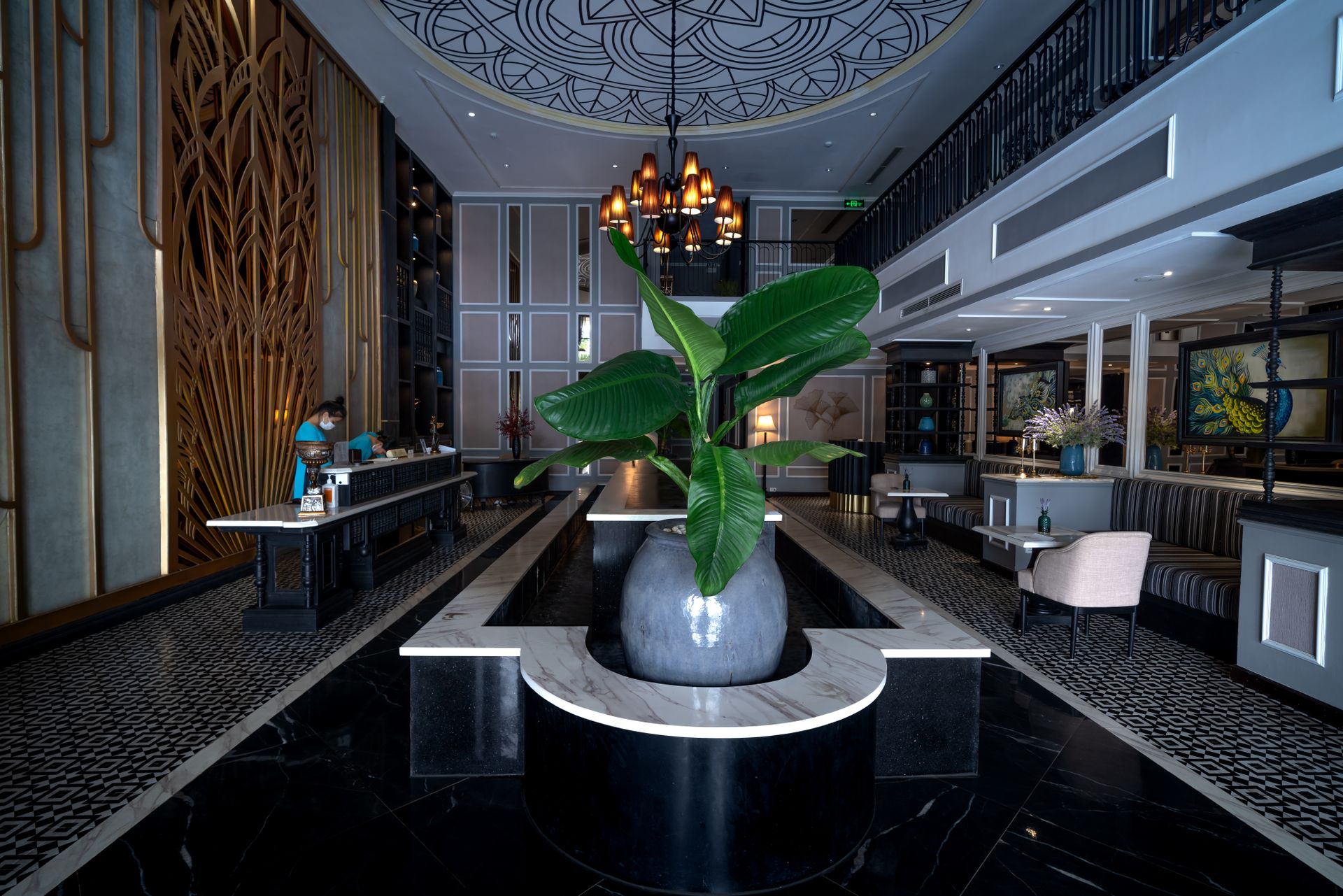
Photo: Quang Nguyen Vinh · Pexels License. The window shows the real castv.ai tool, running on sample settings.

Where the answers come from

This is castv.ai's own wall simulator: each screen replays what its player does with the instructions it receives, at its real resolution, then scaled onto the panel. The picture here is the picture on the glass.

Wall preview · free from castv.ai